

This guide will show you how to configure your Windrose server.
Click here to order your Windrose server with Citadel Servers today!
1. Log in to your Game Control Panel.
2. Open the Configuration Files section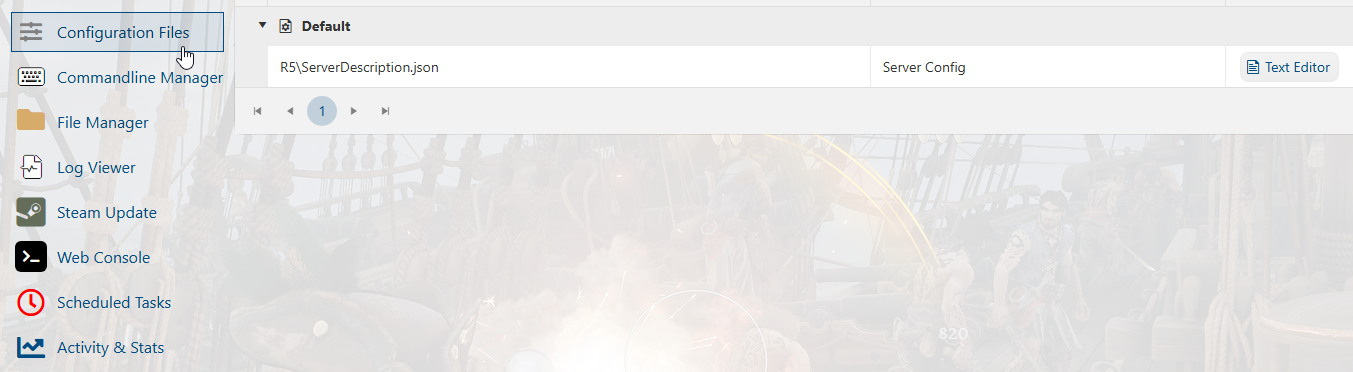
3. Select the "Text Editor" button to open the file.
Once opened, you can now edit or add any commands that you want to the config.
Make sure that the commands are correct and follow the proper format.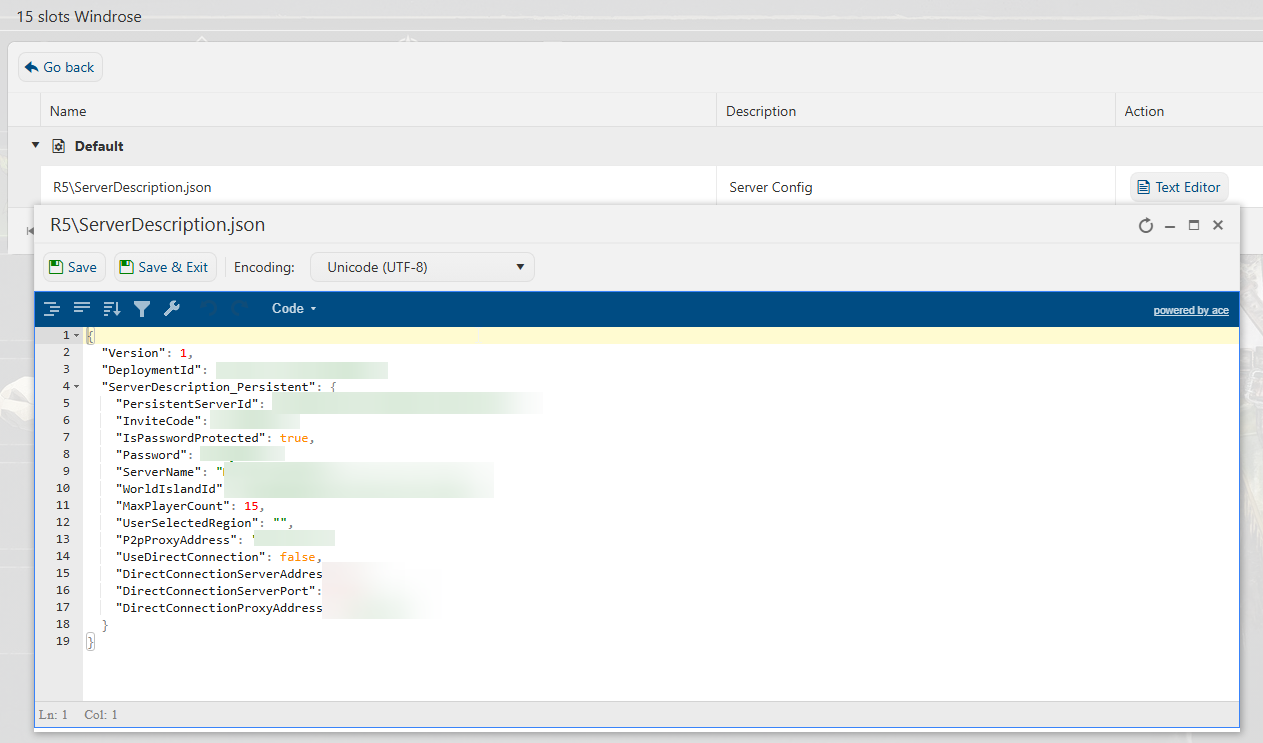
4. Hit "Save" once you are done editing. You can now start the server with the new config.
Did the above information not work for you?
Please click here to contact our support via a ticket.