

This guide provides a quick walkthrough on how to set up and start your ASKA server with Citadel Servers.
It covers logging into your control panel, configuring your Game Server Login Token (GSLT), adjusting server settings, and launching the server.
You’ll also learn how to join your server in-game and ensure the correct region is selected.
1. Log in to your Game Control Panel.
2. Set your Game Server Login Token.
How to create and add the Game Server Login Token (GSLT) to your ASKA dedicated server
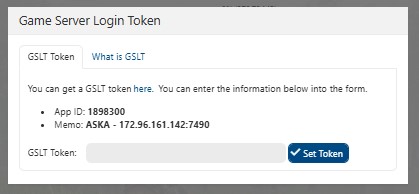
How to create and add the Game Server Login Token (GSLT) to your ASKA dedicated server
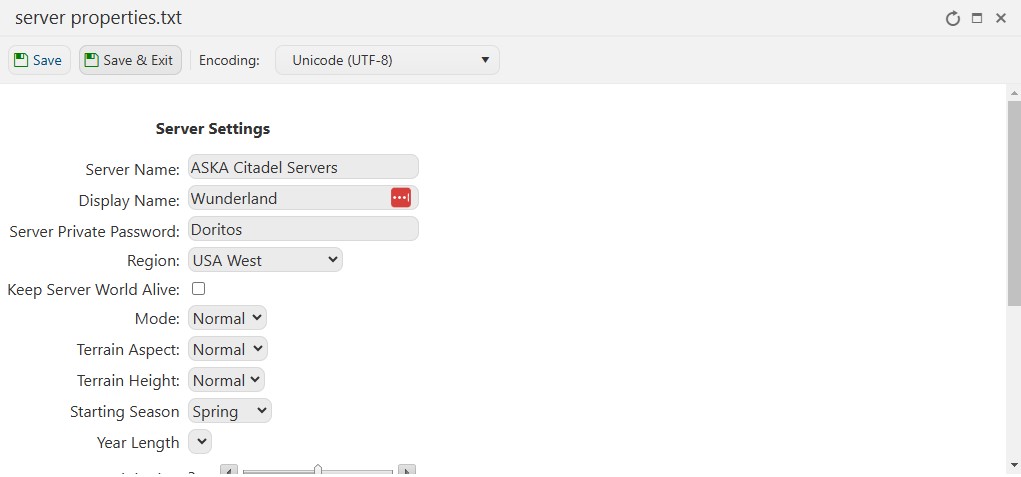
3. Set your server settings. Navigate to Configuration Files
4. Edit your server properties.txt
2. Start your server.

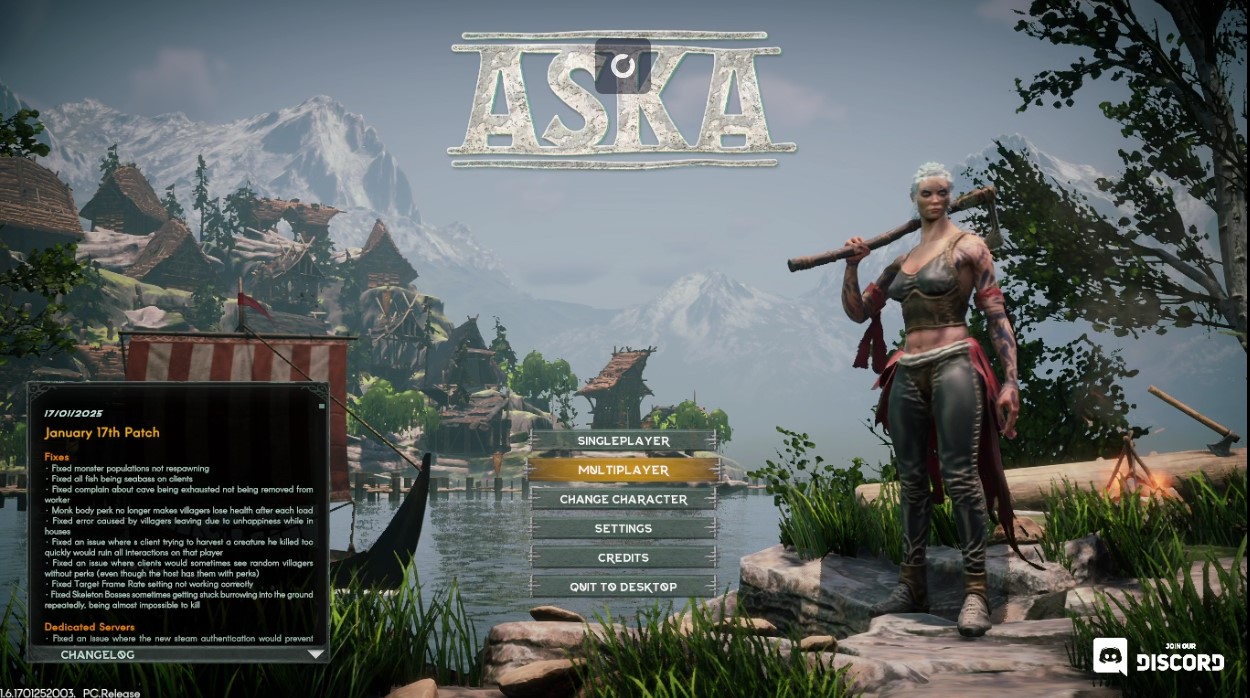
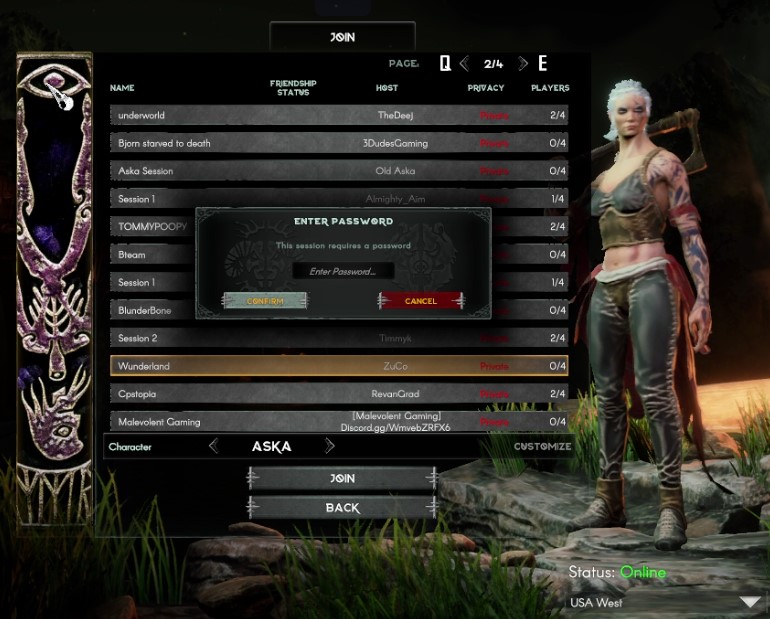
4. Select your server from the list and join.
NOTE: Make sure to set the Region to match the location of your server in the bottom right corner so that it appears in the list.
Did the above information not work for you?
Please click here to contact our support via a ticket.