

Looking for a Core Keeper server? Click here to order your Core Keeper now
The guide will show you how to connect your Core Keeper server.
First, log in to your Game Panel to start your server.
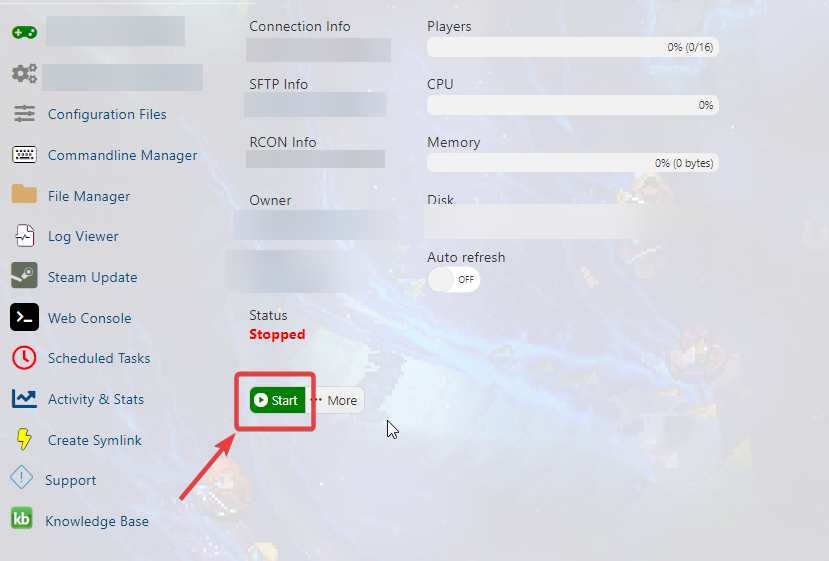
Then, go to the web console tab to find your Game IP, Port, and Password, which we will use to join your server.
Select and Copy the Game IP, Port, and Password from the console as shown in the image.
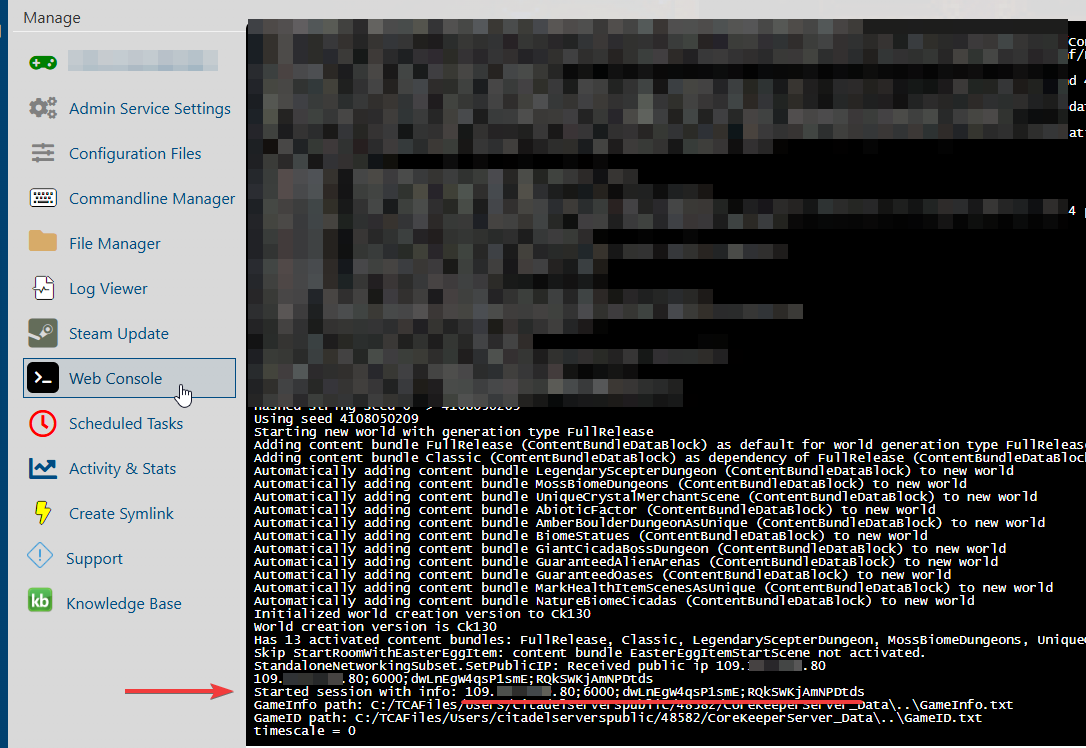
After getting your Server Address and Password, open your Core Keeper game client.
Click 'Join Game' and enter the information from your web console.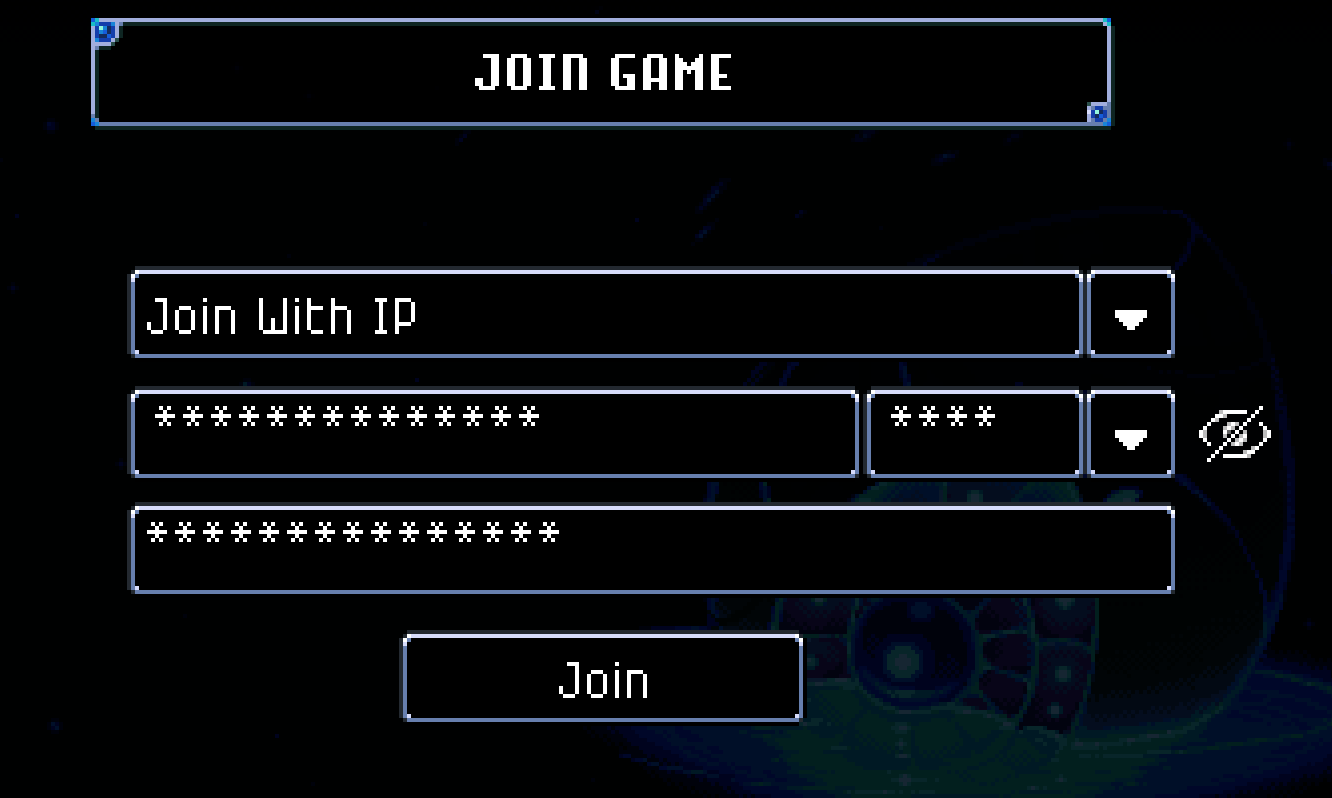
After inputting the information, click "Join" and select your character.
You are now connected to your Core Keeper Server.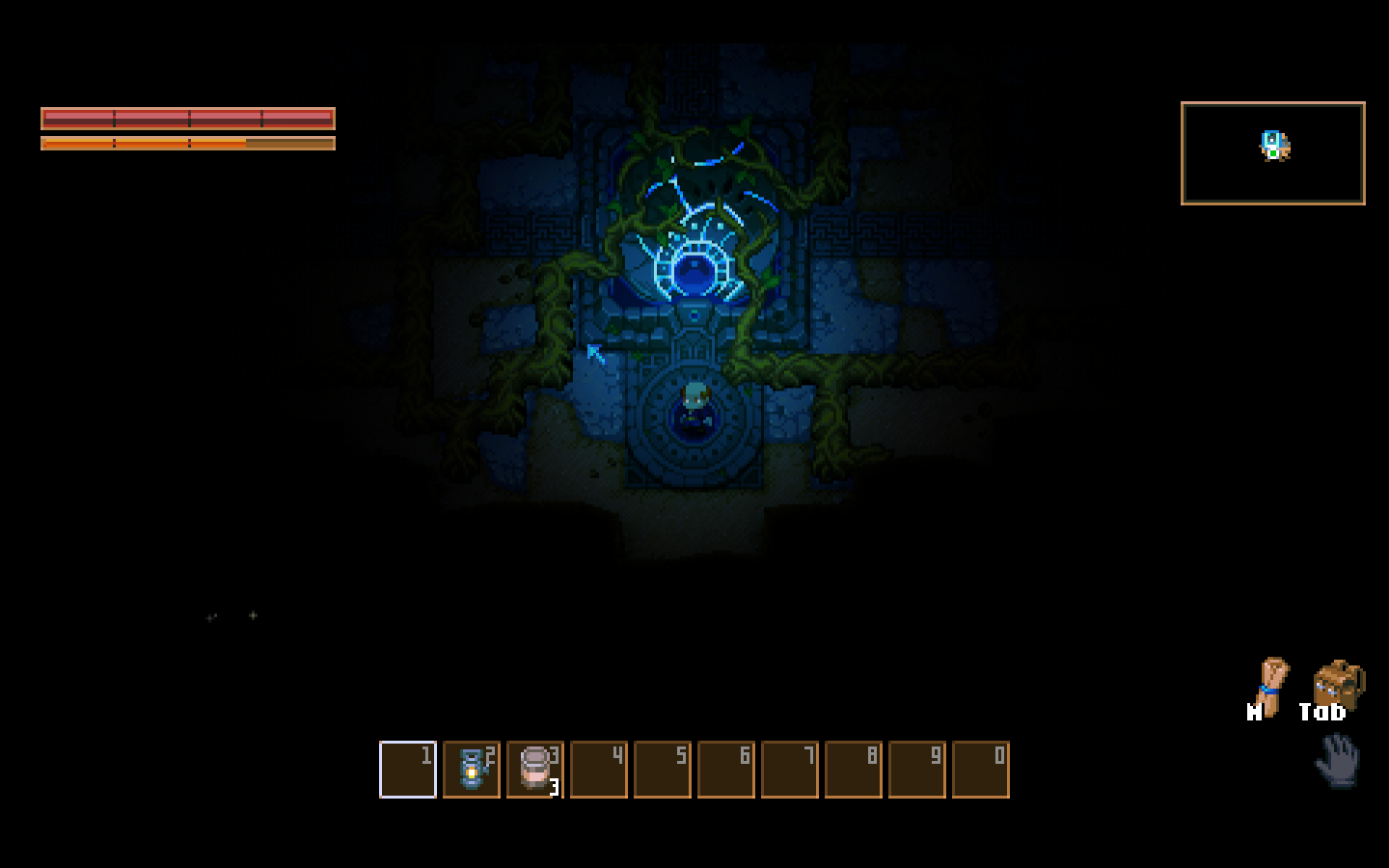
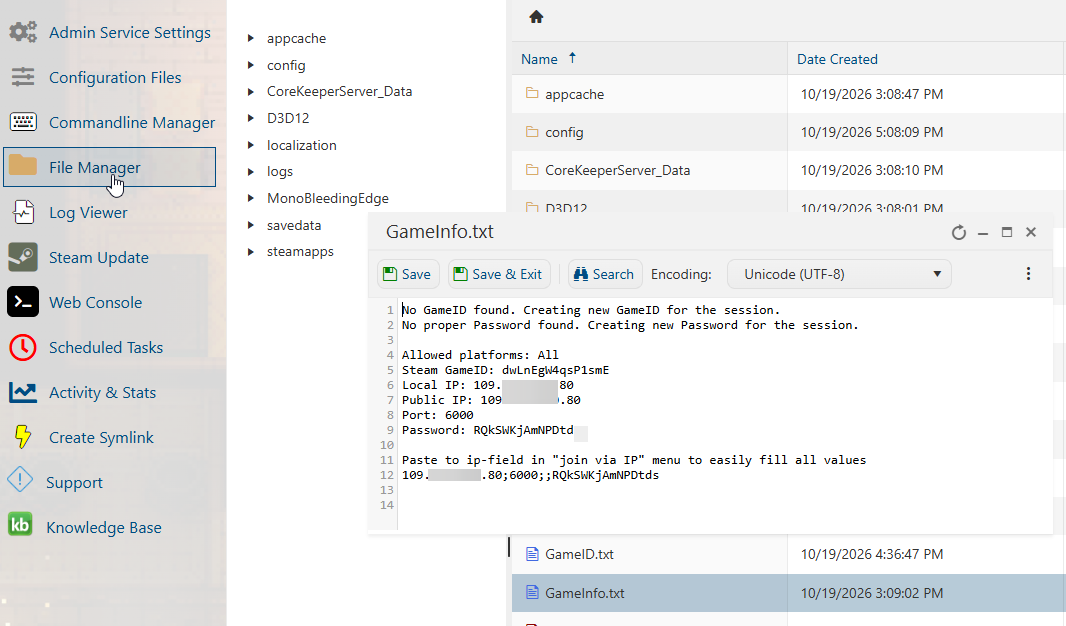
In case you are having issues finding the connection info in the Web Console,
Open the File Manager and select the "GameInfo.txt" file to get the information.
Did the above information not work for you?
Please click here to contact our support via a ticket.